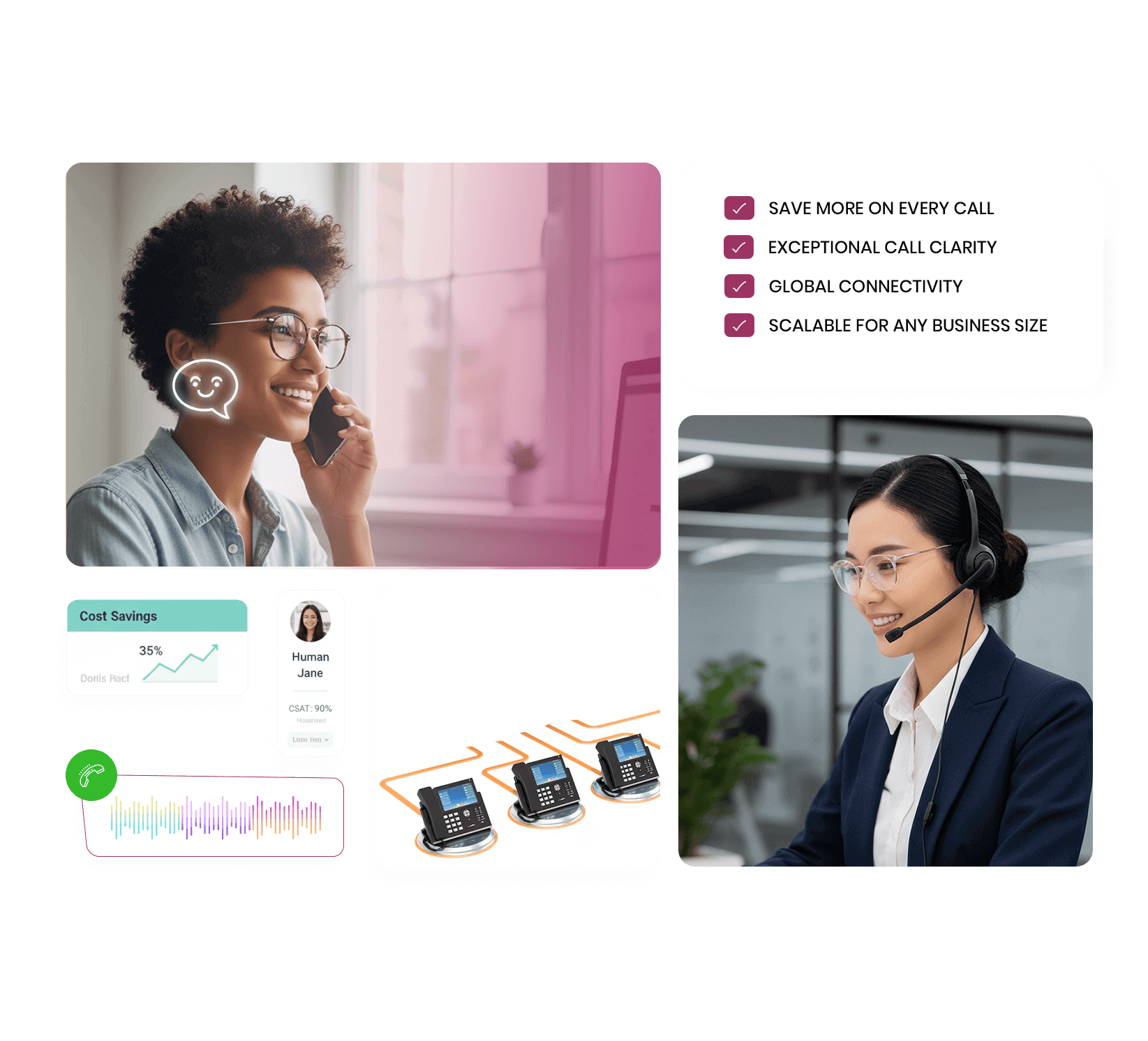
Tozcall delivers cloud-based VoIP solutions that help businesses simplify communication, reduce costs, and scale operations effortlessly. Our VoIP services offer crystal-clear voice quality, advanced calling features, and seamless integration with your existing systems. Whether you’re running a remote team, contact center, or global operation, Tozcall’s VoIP platform ensures secure, flexible, and high-performance business communication across all devices.

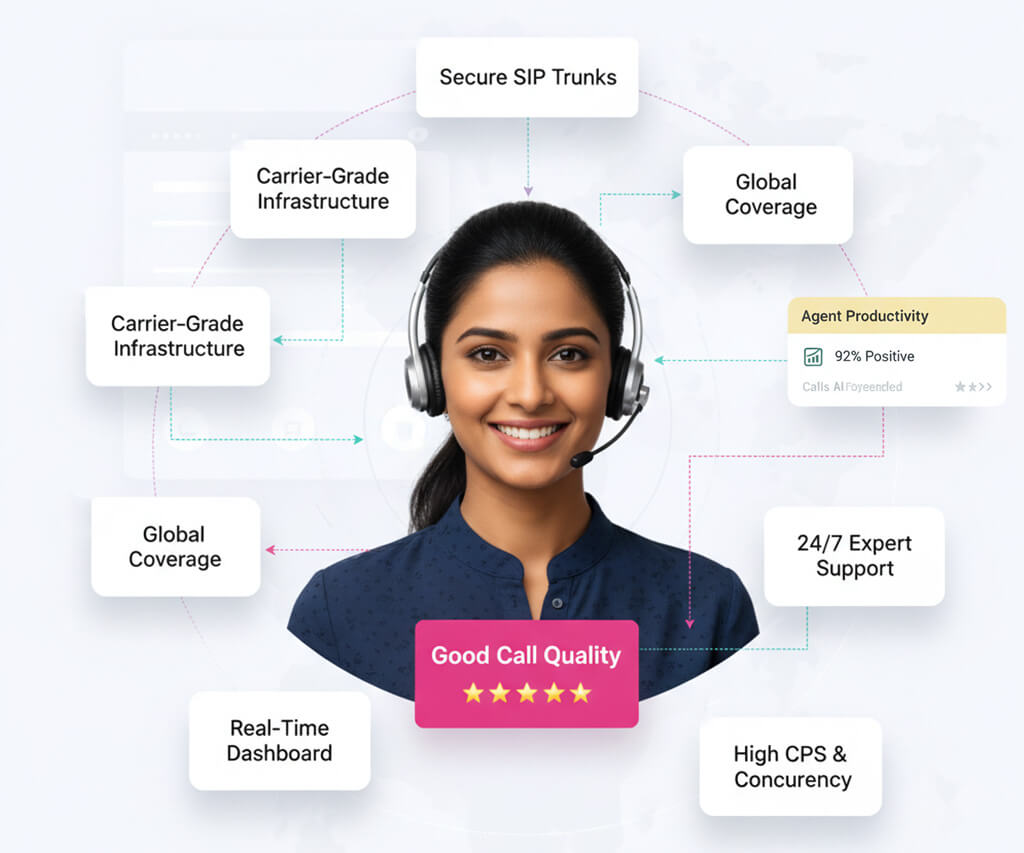
Rather than using conventional phone lines, VOIP Voice over Internet Protocol allows voice conversation and multimedia sessions via the Internet. VoIP enables you to make and receive calls from any device connected to the internet including phones, laptops, and tablets by converting your voice into digital signals that can be sent over the internet. Modern communication systems are mostly based on VOIP as it provides scalability, adaptability, and a spectrum of sophisticated capabilities not possible with conventional phone systems.
The possibility for large cost reductions is among TOZCALL VoIP services most important benefits. VoIP cuts long-distance and international call costs as well as the need for conventional phone lines. Using your current internet connection can help you significantly cut your communication expenses while yet keeping excellent service.
Use TOZCALL VoIP capabilities to improve your company communications with many sophisticated tools. From call forwarding and voicemail to auto-attendant and conference calls, our VoIP solution provides a whole range of capabilities meant to increase your productivity and simplify your communication procedures.
With TOZCALL VoIP solutions, keep in touch wherever. Our VoIP system lets you call from any internet-connected device, therefore enabling you the freedom to work from home, from the office, or on the road. This mobility guarantees that, whenever you are, you can keep up production and keep in contact with colleagues and customers.
The VoIP services of TOZCALL provide perfect sound quality, therefore guaranteeing always professional and clear connections. Our sophisticated technology offers a consistent and flawless calling experience by minimizing latency, jitter, and packet loss. TOZCALL VoIP solutions provide exceptional audio quality whether your calls are local or international.
Your company will develop along with your communication requirements. The VoIP solutions from TOZCALL are meant to grow naturally for your company. Our VoIP system may be quickly changed to fit your changing needs whether your needs call for extra lines, expanded to other sites, or integration of other capabilities.
Easily mix TOZCALL VoIP capabilities with your current communication methods. Our VoIP system lets you expand your communication infrastructure without interfering with your present operations as it is compatible with many PBX systems, CRMs, and other corporate applications. This perfect integration guarantees a flawless VoIP changeover.

Move to VoIP to cut your total communication costs. TOZCALL VoIP solutions save long-distance and international call expenses as well as the requirement for expensive conventional phone lines.
Modern VoIP tools that simplify communication procedures can help your team to increase output. Using voicemail-to-email, call forwarding, and auto-attendant, TOZCALL VoIP solutions provide capabilities to effectively handle calls and reduce downtime.
Using TOZCALL VoIP solutions makes managing and growing your communication systems easy. Just a few clicks will let you add or delete lines, personalize features, and track performance on our cloud-based platform.
Small to medium-sized companies trying to save expenses and boost communication effectiveness will find VoIP to be the perfect answer. By giving SMBs a strong, reasonably priced, scalable communication platform, TOZCALL VoIP solutions help them to compete with bigger companies.
Use TOZCALL VoIP technologies to unite communications across many company sites. Our VoIP system helps you consolidate your infrastructure for communication so that every one of your sites experiences consistency. This centralizing simplifies administration and helps to save expenses.
Use TOZCALL VoIP technologies to cut the expense of overseas calls. Our worldwide network guarantees that, for a fraction of the cost of conventional phone services, you may make and receive calls from anywhere in the globe. This especially helps companies with operations or clientele abroad.
Support your distant staff with consistent VoIP capabilities. No matter where remote workers are, TOZCALL VoIP solution lets them keep in touch with customers and colleagues. Maintaining output and teamwork in a remote workforce depends on this link.
Using VoIP will improve your operations in customer service. Effective contact center operations depend on call queuing, routing, and recording—features provided by TOZCALL VoIP systems. Our VoIP system helps lower call dropouts, speed responses, and raise general customer happiness.
The cost reductions and flexibility VoIP provides would help startups immensely. Startups may use TOZCALL VoIP solutions for professional communication that can readily expand with company size. For new companies, VoIP appeals because of its cheap upfront expenses and simplicity of use.
Using TOZCALL VoIP solutions will transform your company's communications. Get in touch now to find out how our solutions could help you save expenses, raise standards of quality, and increase the flexibility of your communication network. See our website or get in touch with our support staff for individualized help.