 David William
 Business phone systems for California companies provide modern communication tools for managing calls, employees, customers, and business operations. These systems can combine traditional phone features with VoIP, cloud technology, automation, and advanced call management.
For California businesses, the right phone system can support remote teams, customer service, sales operations, and growing call volumes while providing features such as call routing, voicemail, analytics, and business numbers.
Business phone systems are communication platforms designed to help companies manage business calls and customer communications.
Modern systems can use VoIP, cloud infrastructure, SIP technology, and software-based phone features instead of relying only on traditional telephone hardware.
A business phone system can provide employees with business numbers, extensions, call forwarding, voicemail, call recording, auto attendants, and other communication tools.
Common business phone system options include:
The best solution depends on the company’s size, call volume, locations, employees, and communication requirements.
California businesses operate across many industries, including technology, healthcare, finance, retail, real estate, professional services, and e-commerce.
A modern business phone system can help organizations manage communication more efficiently.
Employees may work from offices, homes, or multiple locations.
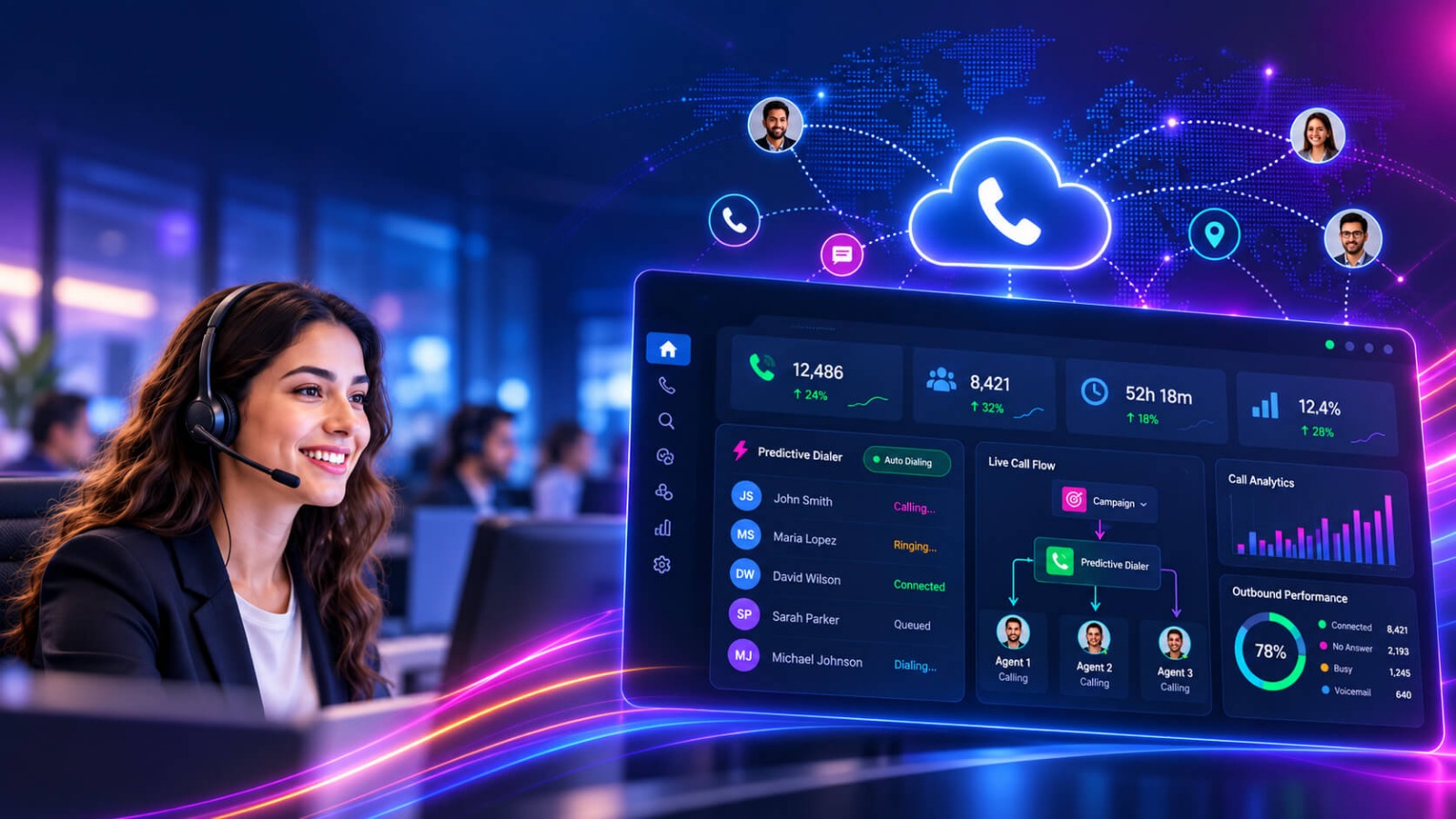
Cloud-based call analytics allow authorized users to access communication features from supported devices and locations.
Customers expect businesses to respond quickly and professionally.
Features such as automated attendants, call queues, call routing, voicemail, and business caller IDs can help organize incoming calls.
Businesses receiving large numbers of calls need more than a basic telephone line.
Call queues, interactive voice response, call distribution, and agent management features can help organize higher call volumes.
A company with offices in Los Angeles, San Diego, San Francisco, Sacramento, or other California locations can use a centralized communication platform to connect teams.
Employees can communicate through extensions and shared business communication tools without relying on separate systems for every location.
Modern phone systems can connect with CRM platforms, help desks, customer databases, analytics platforms, and other business applications.
These integrations can reduce manual processes and help employees access customer information during calls.
Businesses can use call reports and analytics to understand communication activity.
Depending on the system, businesses may track metrics such as:
Modern business phone systems typically use a combination of internet connectivity, communication software, phone numbers, servers or cloud platforms, and business devices.
The first step is understanding how the company communicates.
Businesses should evaluate:
The business can choose between different technologies depending on its requirements.
For example, a company may choose a cloud VoIP system, hosted PBX, SIP-based solution, or a more specialized contact center platform.
The company can set up new numbers or migrate existing business numbers when supported by the provider and applicable requirements.
Numbers can then be assigned to employees, departments, locations, or specific business functions.
Call routing determines where incoming calls should go.
For example:
Customer → Main Number → Auto Attendant → Department → Employee
Businesses can create routing rules based on departments, business hours, locations, or other requirements.
The business can enable features based on its operational needs.
Common features include:
APIs and integrations can connect the phone system with other business platforms.
For example, a CRM integration can help employees manage customer information alongside their communication workflows.
Before deployment, businesses should test call quality, routing, extensions, voicemail, integrations, user permissions, and emergency communication requirements.
After deployment, administrators can monitor system performance and make changes as business requirements evolve.
Regular monitoring can help identify call quality issues, configuration problems, and opportunities for improvement.
enterprise phone systems provide tools for organizing incoming and outgoing calls.
Employees can transfer, forward, route, queue, and manage calls according to company workflows.
Features such as auto attendants, custom greetings, extensions, and business caller IDs can create a more structured customer communication experience.
Cloud-based systems can support employees working across different locations, subject to the provider’s platform and configuration.
This can be useful for California companies with distributed teams.
A business can add users, extensions, numbers, and features as its communication requirements change.
This can make modern systems suitable for startups as well as larger organizations.
Integrating a phone system with a CRM can connect communication activity with customer records.
This can help sales and support teams maintain more organized customer interactions.
Managers can use reporting features to understand call activity and operational performance.
Analytics can help businesses identify missed calls, high-volume periods, and customer service bottlenecks.
Features such as IVR, call queues, intelligent routing, and business-hour rules can help direct customers to the appropriate department.
Internet-based communication can reduce the need for some traditional infrastructure and provide centralized management.
However, actual costs depend on users, features, numbers, calling destinations, hardware, taxes, regulatory fees, and the provider.
VoIP allows voice communication to be delivered over internet-based networks rather than traditional telephone infrastructure.
An auto attendant greets callers and provides menu options for reaching the appropriate department or employee.
Call routing automatically directs calls according to configured business rules.
IVR allows callers to interact with automated menus using keypad inputs or supported voice commands.
Call recording can help businesses review conversations, train employees, and maintain internal records where legally and operationally appropriate.
Business texting can provide another communication channel for customer support, sales, appointment reminders, and other workflows.
CRM integration connects phone communication with customer relationship management systems.
Analytics provide information about calls, agents, queues, and communication activity.
A hosted PBX can provide traditional PBX-style features through a provider-managed platform.
SIP trunking technology can connect business voice systems to telephone networks through SIP-based communication infrastructure.
Businesses and providers should consider applicable telecommunications requirements when deploying phone services in California.
The California Public Utilities Commission (CPUC) has established a regulatory framework for interconnected VoIP providers. The framework distinguishes between fixed and nomadic interconnected VoIP providers and includes registration and compliance requirements.
California has also adopted General Order 133-E, which takes effect January 1, 2027. It expands certain voice service quality standards to fixed interconnected VoIP alongside traditional wireline service.
Businesses should therefore work with qualified providers and verify the requirements that apply to their specific service, location, and business model.
Before selecting a provider, California companies should consider:
A small business may only need a few extensions and basic call management features.
A large organization may require contact center functionality, advanced routing, analytics, integrations, and multiple locations.
Companies receiving hundreds or thousands of calls may require more advanced queue and routing capabilities.
If employees work remotely, check whether the platform supports the devices, locations, and workflows required by the business.
Businesses should confirm compatibility with their CRM, help desk, collaboration tools, and other software.
Review authentication, access controls, encryption, account security, administrative permissions, and other applicable security controls.
Choose a system that can support future users, locations, call volumes, and business requirements.
Technical support can be important when phone communication is critical to daily operations.
Traditional phone systems generally rely more heavily on physical telephone infrastructure and on-premises equipment.
Modern business phone systems can provide software-based management, VoIP calling, cloud features, mobile access, integrations, and centralized administration.
However, traditional systems may still be appropriate for some organizations depending on their infrastructure, requirements, budget, and operational environment.
The right choice depends on the specific needs of the business.
There is no single system that fits every California business. The appropriate solution depends on company size, users, call volume, locations, required features, integrations, and regulatory considerations.
VoIP can be suitable for many businesses, particularly those that need flexible calling, cloud features, remote access, and software integrations. Businesses should also consider applicable California telecommunications requirements.
Common features include VoIP calling, auto attendants, IVR, call routing, voicemail, call forwarding, call queues, business SMS, call recording, analytics, CRM integration, and mobile access.
Many modern cloud-based systems support remote and distributed teams. The available features depend on the provider, platform configuration, user devices, and network environment.
Pricing varies according to users, features, phone numbers, hardware, integrations, calling destinations, support, taxes, and applicable fees. Businesses should compare the total cost rather than only the advertised monthly rate.
Business phone systems for California companies provide modern tools for managing customer calls, employee communication, remote teams, and business operations.
VoIP services, hosted PBX, cloud communication, CRM integrations, call routing, analytics, and automation can help businesses create more organized communication workflows.
For California companies, selecting a phone system should involve more than comparing features and prices. Businesses should also consider scalability, security, reliability, integrations, support, and applicable telecommunications requirements.
A well-planned business phone system can provide a foundation for efficient communication as a company grows and its customer service requirements evolve.