 David William
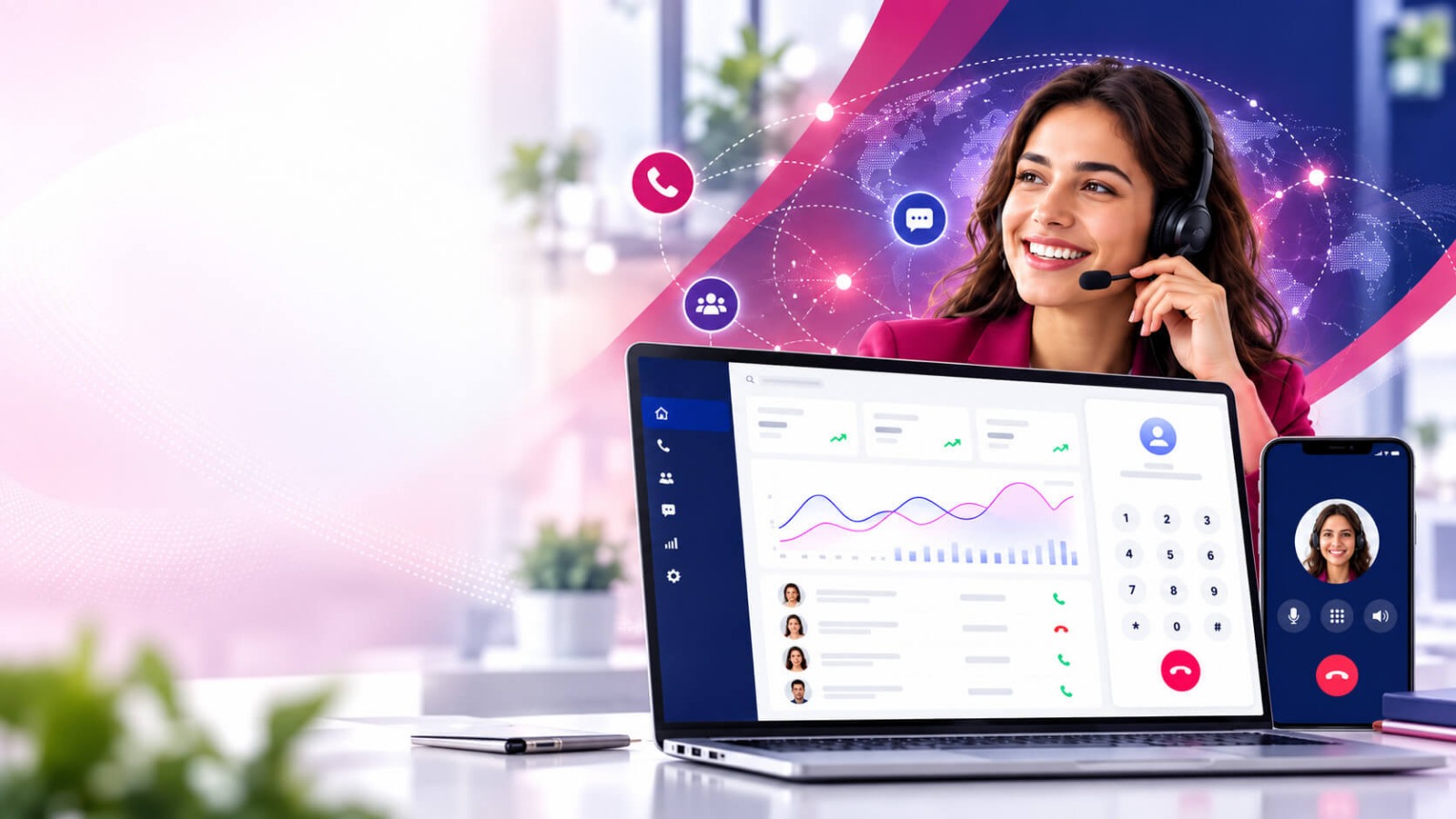
 A cloud-based power dialer is a cloud-based calling system that automatically connects sales or support agents with contacts from a calling list. It helps teams make more calls without manually dialing every number.
Unlike traditional phone systems, a cloud power dialer operates online, making it easier for businesses to manage calling campaigns, agents, and customer interactions from almost anywhere.
A power dialer software is an automated business calling solution hosted in the cloud that dials contact numbers and connects answered calls to available agents.
It helps sales and call center teams automate outbound calling while reducing manual dialing and improving agent productivity.
Instead of requiring agents to enter phone numbers one by one, the dialer automatically works through a predefined contact list. When a customer answers, the call is routed to an available agent.
Because the system is cloud-based, businesses do not necessarily need complex on-premise telephone infrastructure. Agents can access the calling platform through an internet connection and compatible devices.
A cloud dialer can also connect with CRM platforms, contact databases, reporting tools, and other business applications.
Businesses that make a high volume of outbound calls need an efficient way to manage conversations. Manually dialing numbers can consume valuable agent time and create unnecessary delays between calls.
A cloud-based dialer automates much of this process, allowing agents to focus more on actual conversations.
Agents spend less time searching for numbers and manually dialing contacts. The system automatically handles the dialing process and connects agents when calls are answered.
Automated dialing allows teams to process larger calling lists within the same working period. This can be particularly useful for sales teams, lead generation campaigns, and customer outreach.
In this article, we will discuss the Cloud Power Dialer: Benefits, highlighting how it enhances efficiency and effectiveness in calling campaigns.
A power dialer can help reduce the time agents spend waiting between calls. Once an agent becomes available, the system can move to the next contact according to campaign settings.
Since the platform is cloud-based, agents can work from different locations while using the same calling environment.
This makes cloud power dialers useful for distributed teams, remote call centers, and businesses with multiple offices.
Managers can organize contacts into campaigns and monitor calling activity through centralized dashboards.
This makes it easier to understand agent performance, call outcomes, and campaign progress.
A cloud power dialer follows a relatively simple workflow. The exact features can vary depending on the provider, but the basic process usually includes these steps.
The business adds customer or prospect information to the calling platform.
Contacts may come from a CRM, spreadsheet, lead database, or another integrated system.
Managers organize contacts into specific campaigns based on factors such as sales teams, locations, products, or lead sources.
Campaign settings can determine which contacts agents should call and how calls should be handled.
The system is configured according to the business’s calling requirements.
Settings may include agent availability, call routing, retry rules, caller ID, call recording, and other campaign options.
The cloud power dialer automatically calls numbers from the selected contact list.
Agents do not have to manually enter each number, which helps reduce repetitive work.
When a contact answers, the system connects the call with an available agent.
This allows agents to spend more time speaking with customers instead of performing manual dialing tasks.
After the conversation, agents can select an appropriate call outcome, add notes, or update customer information.
These details can be stored in the platform or synchronized with a connected CRM.
Supervisors can use reporting dashboards to review campaign activity and agent performance.
Depending on the platform, reports may include call volume, connected calls, talk time, dispositions, and other useful metrics.
A call center power dialer can provide several operational advantages for businesses that rely on outbound communication.
Automated dialing reduces the amount of time agents spend on repetitive dialing tasks.
Agents can therefore dedicate more of their working hours to meaningful customer conversations.
Speed is important when dealing with new leads. A cloud power dialer can help sales teams organize and process leads more efficiently.
Faster outreach can help businesses respond to prospects while their interest is still high.
Agents can work from a centralized calling environment instead of switching between multiple tools.
With features such as contact information, call controls, and CRM integrations in one workflow, agents can manage conversations more efficiently.
Because the system is hosted in the cloud, agents can access the platform remotely.
This can support work-from-home teams, hybrid operations, and geographically distributed call centers.
Many cloud call center software can integrate with CRM platforms.
CRM integration can allow businesses to synchronize contact information, customer records, call activity, and other relevant data.
This reduces duplicate data entry and gives agents better context before speaking with customers.
Managers can monitor campaign activity using real-time or near-real-time dashboards.
Useful metrics can include:
These insights can help managers identify problems and make better operational decisions.
Cloud-based systems can be easier to scale than traditional phone infrastructure.
Businesses can add agents, campaigns, or calling capacity as their communication requirements grow, depending on the provider and plan.
Traditional calling environments may require physical hardware and complex infrastructure.
A cloud power dialer moves much of the calling infrastructure to the provider’s cloud environment, potentially simplifying deployment and maintenance.
Managers can control calling campaigns from one platform.
They can organize contact lists, assign agents, monitor activity, and review results without relying on separate systems for every task.
When calling activity is connected with customer records, teams can maintain better visibility into previous interactions.
This can help agents understand customer history and provide more relevant conversations.
Traditional business calling often requires agents to manually dial numbers or use separate phone systems and customer databases.
A call center automation automates the dialing process and provides a centralized environment for outbound calling.
The main differences include:
| Feature | Cloud Power Dialer | Traditional Calling |
| Automated dialing | Yes | Usually limited |
| Cloud access | Yes | May require on-site systems |
| Remote work | Easier | Can be more difficult |
| CRM integration | Common | May require additional setup |
| Reporting | Centralized | Often limited or separate |
| Scalability | Generally flexible | May require infrastructure changes |
| Agent workflow | More automated | More manual |
The right option depends on the organization’s calling volume, team size, budget, and technical requirements.
Cloud telephony is useful for businesses that regularly make outbound calls.
Common users include:
Any organization that needs to manage a large number of outbound calls may benefit from automated dialing.
When choosing a contact center software, businesses should consider more than just automated dialing.
Important features may include:
Look for integrations with the CRM or business applications your team already uses.
Call recording can help with training, quality monitoring, and reviewing customer interactions where legally permitted.
Detailed dashboards can help managers understand campaign performance and agent productivity.
Agents should be able to categorize call outcomes quickly after each conversation.
Flexible caller ID options can help businesses manage how outbound calls appear to customers, subject to applicable telecom rules.
Scheduling tools can help teams organize follow-ups and determine when contacts should be called.
Businesses should evaluate data security, privacy controls, consent requirements, and applicable calling regulations before launching campaigns.
In 2026, cloud calling platforms are increasingly incorporating AI into outbound communication workflows.
AI can assist with tasks such as call summaries, conversation analysis, lead prioritization, sentiment analysis, and automated data entry.
For example, an AI-enabled system may summarize a conversation after the call and save important information to the CRM.
However, AI features should complement agents rather than replace the business processes and compliance controls required for responsible customer communication.
The best lead calling software depends on your business requirements.
Before choosing a platform, consider:
A prospect calling software is mainly used to automate outbound calls. It helps sales and call center teams dial contact lists more efficiently and connect answered calls with available agents.
Yes. Since the system operates through the cloud, it can support remote and hybrid teams, provided agents have the required internet connection and supported devices.
Many power dialers with CRM integration offer CRM integrations. These integrations can help synchronize customer records, call activity, notes, and other information.
A power dialer generally calls contacts in sequence and connects calls to available agents. The term auto dialer is broader and can refer to different automated dialing methods, including predictive and progressive dialing.
Yes. It can help sales teams reduce manual dialing, increase calling activity, organize lead follow-ups, and track campaign performance.
A cloud power dialer helps businesses simplify outbound calling by automating the dialing process and connecting answered calls with agents. Its cloud-based infrastructure also makes remote access, campaign management, CRM integration, and performance tracking easier.
For sales teams and call centers handling high volumes of outbound calls, the right VoIP calling can improve agent productivity, accelerate lead follow-ups, and create a more organized calling workflow.
In 2026, businesses should look beyond basic automated dialing and consider CRM integration, analytics, scalability, security, AI capabilities, and compliance when selecting a cloud power dialer.