 David William
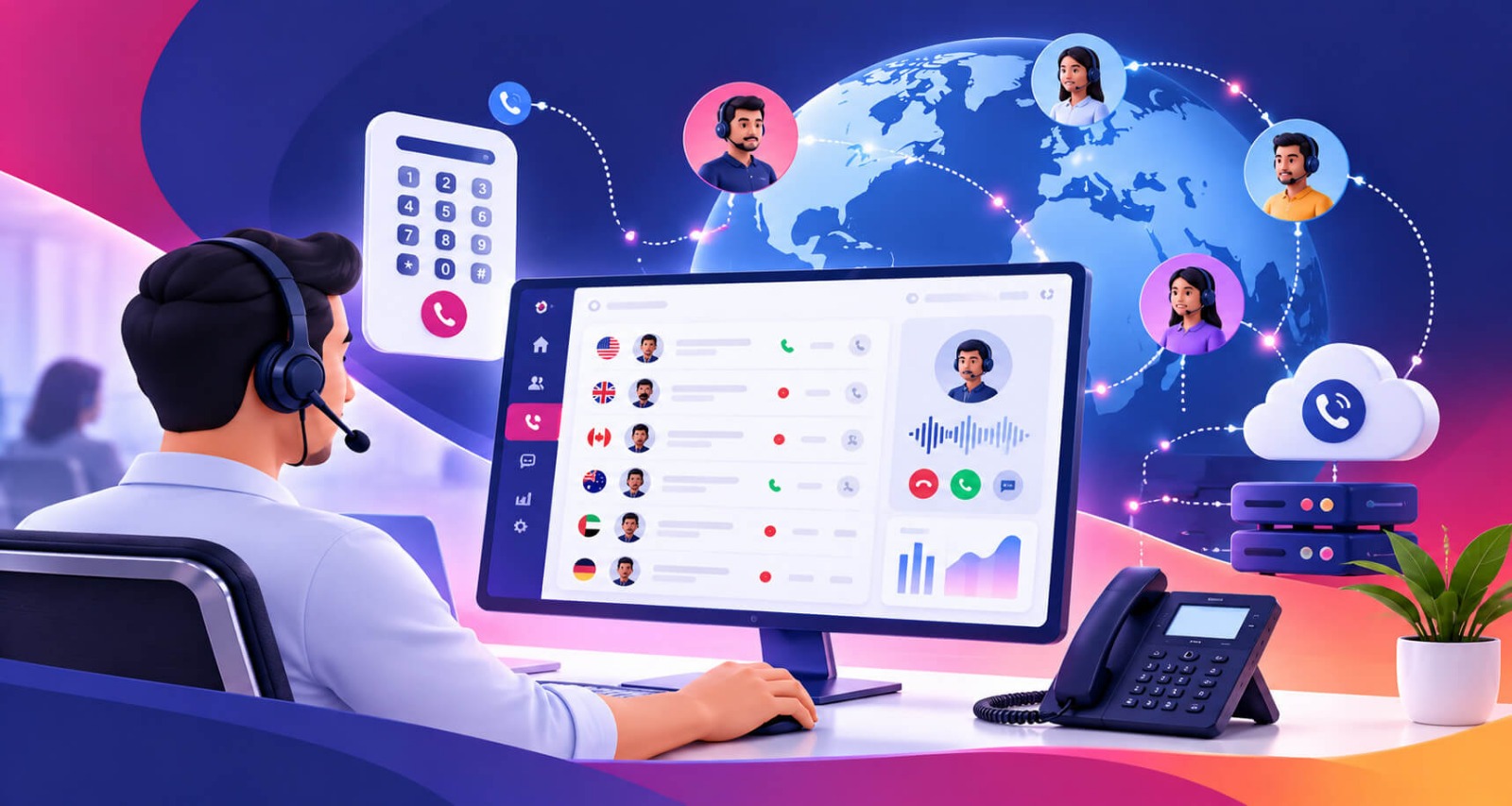
Contact center software helps businesses manage customer interactions across phone calls, emails, live chat, SMS, and other supported channels. It brings communication tools together so agents can respond to customers more efficiently.
In 2026, businesses use contact center solutions to improve customer experience, automate repetitive tasks, monitor performance, and manage growing support demands. The right platform helps teams organize communication and deliver consistent service.
Customer communication platform is a platform that helps businesses manage customer interactions across multiple communication channels. It provides tools for routing inquiries, assisting agents, tracking conversations, and monitoring customer service performance.
Unlike traditional call center software, which primarily focuses on phone calls, contact center platforms can support voice and digital channels within one system. Depending on the provider, features may include automatic call distribution (ACD), interactive voice response (IVR), CRM integration, analytics, and AI-powered automation.
Businesses use this software for customer support, sales inquiries, technical assistance, and service management. It can be deployed through cloud-based, on-premises, or hybrid solutions.
Contact center software helps businesses improve communication, manage workloads, and provide better customer support.
Key reasons businesses use it include:
These capabilities help businesses create more organized support operations while improving the customer experience.
Contact center automation connects customers, communication channels, agents, and management tools through a structured workflow.
This workflow helps teams handle inquiries systematically and identify opportunities to improve customer service.
The best contact center platform depends on business requirements, communication channels, and existing systems. Common features include:
ACD routes incoming calls according to rules such as agent availability, skills, language, or department. It helps customers reach the appropriate team.
IVR allows callers to navigate automated menus using voice commands or keypad selections. It can collect information, answer basic questions, and direct calls without requiring immediate agent assistance.
Omnichannel Intelligent call routing supports multiple communication channels, including calls, email, live chat, and messaging. Integrated systems can help agents maintain conversation context across channels.
CRM integration connects customer records with contact center activities. Agents can review relevant information and interaction history, making conversations more informed and personalized.
Reporting tools help managers track metrics such as response times, interaction volumes, resolution rates, and agent performance. These insights support data-driven decisions.
Depending on the platform, AI capabilities can support virtual agents, conversation summaries, agent assistance, and interaction analysis. Businesses should assess accuracy, privacy, and suitability before deployment.
Customers can connect through supported channels and reach the appropriate team more easily. Faster routing and access to relevant information can improve service quality.
A centralized interface helps agents manage interactions without constantly switching between applications. This can reduce administrative work and improve efficiency.
Automation can handle repetitive tasks, route interactions, and support customer self-service. This allows agents to focus on requests that require personal assistance.
Real-time dashboards and reports give managers visibility into workloads and service metrics. Teams can identify bottlenecks and adjust workflows when necessary.
Cloud contact center software can make it easier to add agents, support remote teams, and expand communication capabilities. Available options depend on the provider and infrastructure.
Interaction reports reveal recurring customer questions, service issues, and communication trends. Businesses can use this information to improve training and customer support processes.
| Feature | Contact Center Software | Call Center Software |
| Main purpose | Manage multiple communication channels | Primarily manage phone calls |
| Channels | Voice and supported digital channels | Mainly voice |
| Routing | Calls and supported digital interactions | Primarily calls |
| Analytics | May cover multiple channels | Often call-focused |
| Integrations | CRM and business applications | Depends on the platform |
The main difference is channel coverage. Call recording software can manage a broader range of customer interactions, while traditional call center software generally focuses on telephone communication.
Contact center solution automation is suitable for businesses that handle frequent customer inquiries or need organized communication workflows.
Before choosing a solution, evaluate pricing, integrations, security, supported channels, reporting, and scalability.
It helps businesses manage customer interactions, route inquiries, support agents, and monitor service performance across supported communication channels.
Call center software primarily handles phone calls, while Contact center operations software can support voice, email, live chat, and other digital channels.
Yes. Small businesses can use it to organize customer support, improve response management, and centralize communication. Cloud-based plans may offer flexible deployment options.
Important features include call routing, IVR, CRM integration, reporting, and agent monitoring. Businesses that use multiple channels should also consider omnichannel capabilities.
Cloud solutions often provide flexible access and easier scaling, while on-premises systems offer more direct control over infrastructure. The best option depends on budget, security, compliance, and technical requirements.
Contact center software helps businesses organize customer communication, improve agent productivity, and deliver consistent support. Features such as ACD, IVR, CRM integration, omnichannel communication, and analytics can make customer service operations more efficient.
Choosing the right platform requires evaluating business needs, integrations, security, scalability, and cost. A suitable solution can help businesses manage customer interactions effectively and support long-term growth.Contact center software helps businesses manage customer interactions across phone calls, emails, live chat, SMS, and other supported channels. It brings communication tools together so agents can respond to customers more efficiently.
In 2026, businesses use contact center solutions to improve customer experience, automate repetitive tasks, monitor performance, and manage growing support demands. The right platform helps teams organize communication and deliver consistent service.
Customer communication platform is a platform that helps businesses manage customer interactions across multiple communication channels. It provides tools for routing inquiries, assisting agents, tracking conversations, and monitoring customer service performance.
Unlike traditional call center software, which primarily focuses on phone calls, contact center platforms can support voice and digital channels within one system. Depending on the provider, features may include automatic call distribution (ACD), interactive voice response (IVR), CRM integration, analytics, and AI-powered automation.
Businesses use this software for customer support, sales inquiries, technical assistance, and service management. It can be deployed through cloud-based, on-premises, or hybrid solutions.
Contact center software helps businesses improve communication, manage workloads, and provide better customer support.
Key reasons businesses use it include:
These capabilities help businesses create more organized support operations while improving the customer experience.
Contact center automation connects customers, communication channels, agents, and management tools through a structured workflow.
This workflow helps teams handle inquiries systematically and identify opportunities to improve customer service.
The best contact center platform depends on business requirements, communication channels, and existing systems. Common features include:
ACD routes incoming calls according to rules such as agent availability, skills, language, or department. It helps customers reach the appropriate team.
IVR allows callers to navigate automated menus using voice commands or keypad selections. It can collect information, answer basic questions, and direct calls without requiring immediate agent assistance.
Omnichannel Intelligent call routing supports multiple communication channels, including calls, email, live chat, and messaging. Integrated systems can help agents maintain conversation context across channels.
CRM integration connects customer records with contact center activities. Agents can review relevant information and interaction history, making conversations more informed and personalized.
Reporting tools help managers track metrics such as response times, interaction volumes, resolution rates, and agent performance. These insights support data-driven decisions.
Depending on the platform, AI capabilities can support virtual agents, conversation summaries, agent assistance, and interaction analysis. Businesses should assess accuracy, privacy, and suitability before deployment.
Customers can connect through supported channels and reach the appropriate team more easily. Faster routing and access to relevant information can improve service quality.
A centralized interface helps agents manage interactions without constantly switching between applications. This can reduce administrative work and improve efficiency.
Automation can handle repetitive tasks, route interactions, and support customer self-service. This allows agents to focus on requests that require personal assistance.
Real-time dashboards and reports give managers visibility into workloads and service metrics. Teams can identify bottlenecks and adjust workflows when necessary.
Cloud contact center software can make it easier to add agents, support remote teams, and expand communication capabilities. Available options depend on the provider and infrastructure.
Interaction reports reveal recurring customer questions, service issues, and communication trends. Businesses can use this information to improve training and customer support processes.
| Feature | Contact Center Software | Call Center Software |
| Main purpose | Manage multiple communication channels | Primarily manage phone calls |
| Channels | Voice and supported digital channels | Mainly voice |
| Routing | Calls and supported digital interactions | Primarily calls |
| Analytics | May cover multiple channels | Often call-focused |
| Integrations | CRM and business applications | Depends on the platform |
The main difference is channel coverage. Call recording software can manage a broader range of customer interactions, while traditional call center software generally focuses on telephone communication.
Contact center solution automation is suitable for businesses that handle frequent customer inquiries or need organized communication workflows.
Before choosing a solution, evaluate pricing, integrations, security, supported channels, reporting, and scalability.
It helps businesses manage customer interactions, route inquiries, support agents, and monitor service performance across supported communication channels.
Call center software primarily handles phone calls, while Contact center operations software can support voice, email, live chat, and other digital channels.
Yes. Small businesses can use it to organize customer support, improve response management, and centralize communication. Cloud-based plans may offer flexible deployment options.
Important features include call routing, IVR, CRM integration, reporting, and agent monitoring. Businesses that use multiple channels should also consider omnichannel capabilities.
Cloud solutions often provide flexible access and easier scaling, while on-premises systems offer more direct control over infrastructure. The best option depends on budget, security, compliance, and technical requirements.
Contact center software helps businesses organize customer communication, improve agent productivity, and deliver consistent support. Features such as ACD, IVR, CRM integration, omnichannel communication, and analytics can make customer service operations more efficient.
Choosing the right platform requires evaluating business needs, integrations, security, scalability, and cost. A suitable solution can help businesses manage customer interactions effectively and support long-term growth.